EcomLit guide
Check your store before and after you publish.
Steps
In the theme editor, use Preview to review unpublished changes.
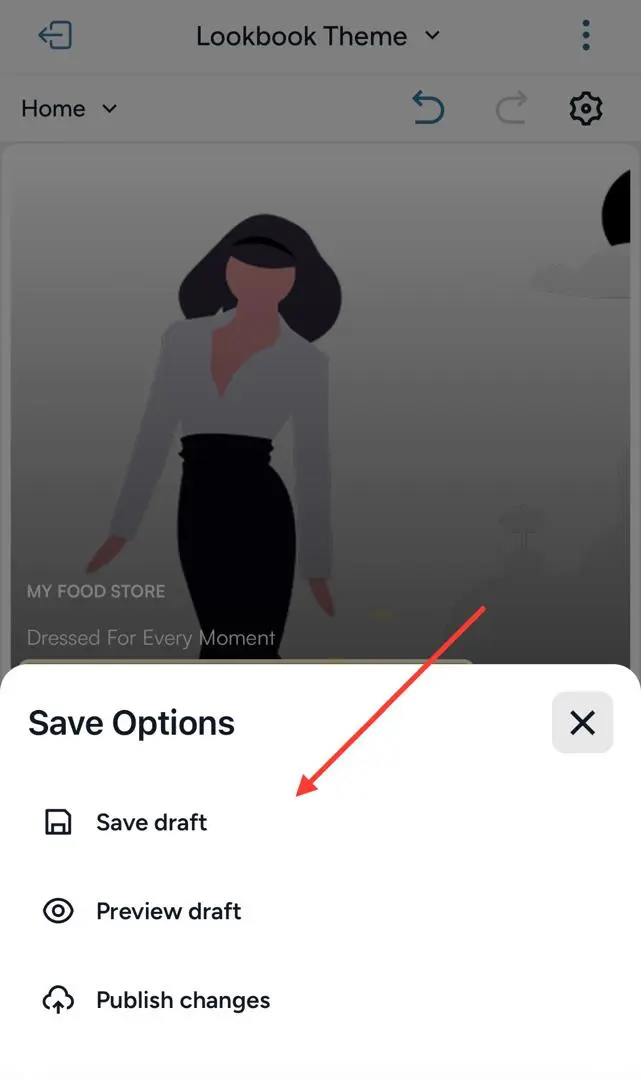
After you publish, select View Site in the dashboard header.
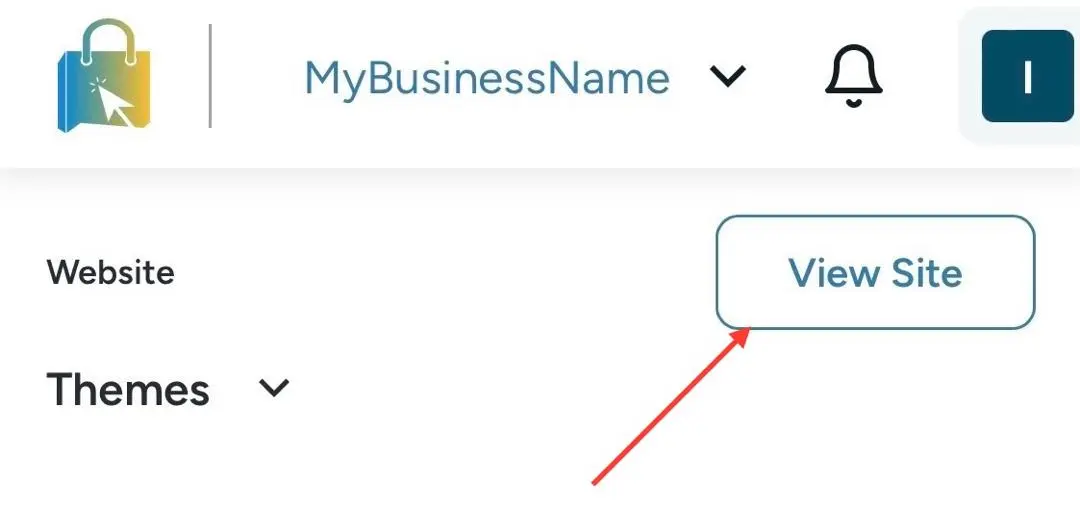
If the store is not published, View Site will not open a live shop. Publish from Website → Themes first.